
AI Tools / Design
Canva AI vs Adobe Firefly
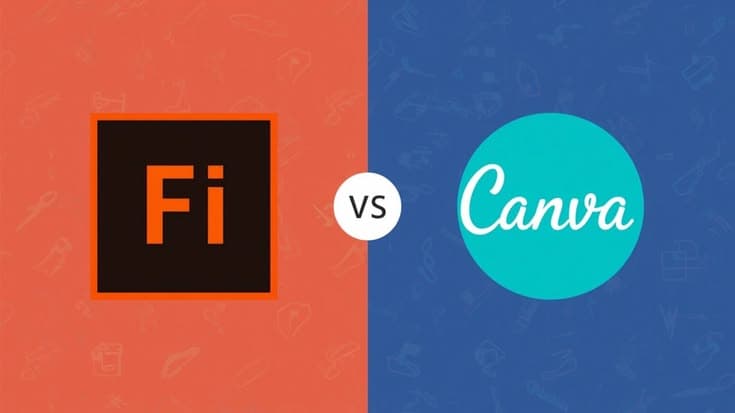
AI design tools are becoming essential for marketers, creators, small businesses, and online stores. Two popular options are Canva AI and Adobe Firefly. Both help users create visuals faster, but they serve slightly different needs. This guide compares Canva AI vs Adobe Firefly so you can choose the right creative AI tool for your workflow.
What Is Canva AI?
Canva AI is built inside Canva’s easy design platform. It helps users generate images, write copy, create layouts, edit photos, resize designs, and produce branded content without advanced design skills. For beginners, Canva AI feels simple because everything happens in one dashboard with templates, fonts, stock assets, and publishing options.
It is especially useful for social media posts, presentations, thumbnails, posters, ads, flyers, and website graphics. If your main goal is fast content creation, Canva AI is a strong choice for everyday AI design tasks.
What Is Adobe Firefly?
Adobe Firefly is Adobe’s generative AI platform for creative work. It focuses on high-quality image generation, text effects, generative fill, image editing, and creative experimentation. Firefly is closely connected with Adobe tools, making it valuable for designers who already use Photoshop, Illustrator, Express, or Creative Cloud.
Adobe Firefly is useful when you need more control over visual style, composition, product concepts, campaign visuals, and professional editing. It works well for creators who want advanced outputs and deeper creative flexibility.
Canva AI Benefits
Canva AI is best for speed and simplicity. You can start with a template add AI generated visuals adjust colors include brand elements, and export content quickly. Teams can also collaborate on designs making it helpful for businesses managing daily marketing content.
Another benefit is accessibility. Users do not need complex software knowledge. Canva AI supports quick design production for blogs ecommerce banners social media campaigns and business presentations.
Adobe Firefly Benefits
Adobe Firefly is better for advanced creative control. Its AI image generator can help create detailed visuals from prompts, while generative editing tools support more polished results. Designers can use Firefly to explore visual directions before refining assets in Adobe apps.
For agencies, photographers, and professional creatives Adobe Firefly offers stronger creative depth and integration with industry standard software.
Which Tool Should You Choose?
Choose Canva AI if you want an easy AI design tool for daily content brand templates social media graphics and fast marketing production. It is ideal for non designers startups sellers and small teams.
Choose Adobe Firefly if you need professional generative AI features, advanced editing, creative exploration and stronger Adobe workflow integration. It is better for designers agencies and visual content specialists.
Final Verdict
Canva AI vs Adobe Firefly is not about one tool being perfect for everyone. Canva AI wins for ease speed templates and simple business content. Adobe Firefly wins for creative control advanced generation and professional editing. The best choice depends on your skill level content goals and design workflow. For many online brands using both tools together can create a balanced efficient and professional daily design process.